Note-Taking Apps 2026: Best Value Comparison & Analysis
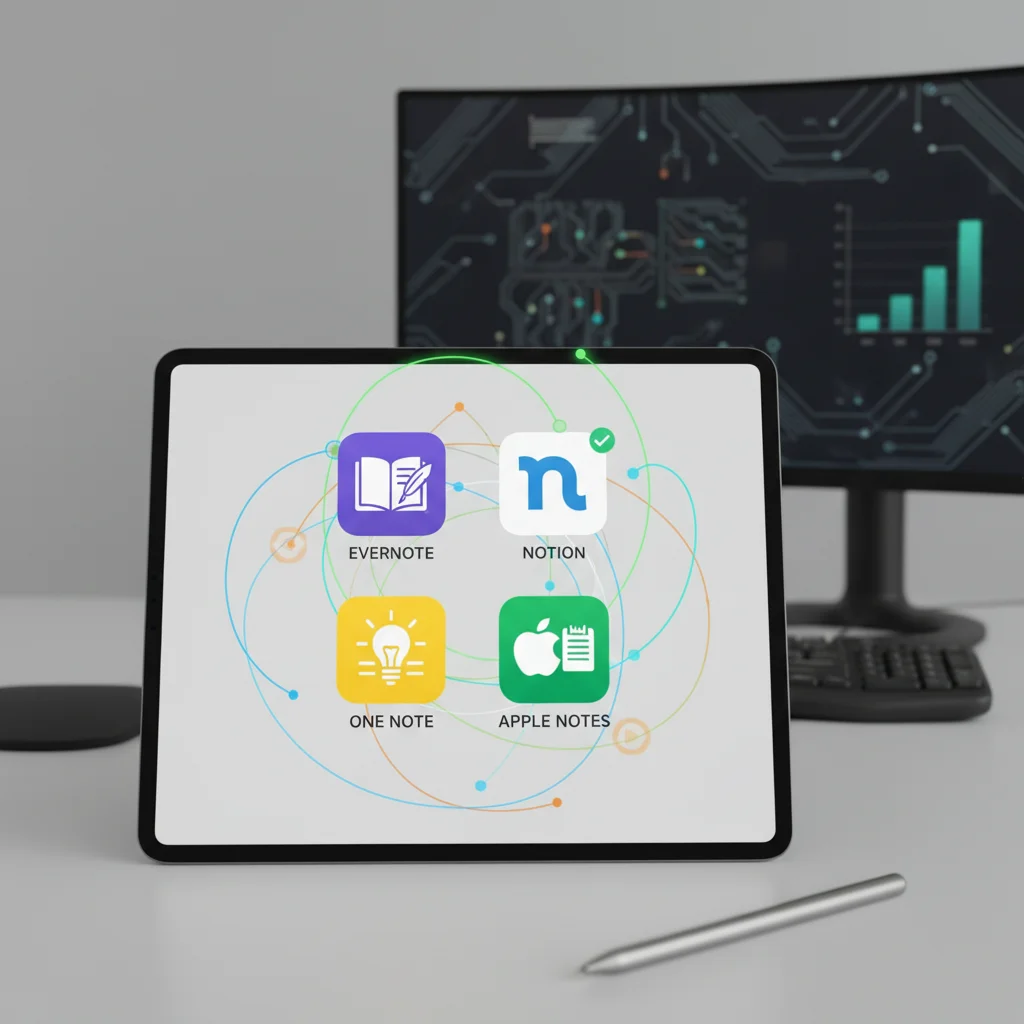
In the fast-evolving digital landscape of 2026, the quest for the best note-taking apps has never been more critical. Whether you’re a student trying to ace your exams, a professional managing complex projects, a creative mind brainstorming ideas, or simply someone who needs to keep their daily life organized, a reliable note-taking application is an indispensable tool. The market is saturated with options, each promising to revolutionize your productivity. But how do you cut through the noise and identify the platforms that truly offer the best value?
This comprehensive analysis dives deep into the top four contenders for the title of best note-taking apps in 2026. We’ll scrutinize their features, evaluate their pricing models, assess their user experience, and ultimately determine which app delivers the most bang for your buck. Our goal is to provide you with an unbiased, detailed comparison that empowers you to make an informed decision, ensuring your digital workspace is as efficient and effective as possible.
The Evolution of Note-Taking: Why Apps are Essential in 2026
Gone are the days when a simple pen and paper sufficed for all your informational needs. While analog methods still hold a certain charm, the demands of the modern world necessitate a more dynamic, interconnected, and searchable approach to information management. The best note-taking apps of today are far more than just digital notebooks; they are powerful organizational hubs that integrate with other tools, support multimedia, and offer advanced search capabilities.
The year 2026 finds us in an era of unprecedented data consumption and creation. From virtual meetings and online courses to collaborative projects and personal knowledge management, the volume of information we process daily is staggering. Without efficient systems to capture, organize, and retrieve this information, productivity can plummet, and valuable insights can be lost. This is where the true value of the best note-taking apps shines. They act as an extension of our minds, allowing us to offload cognitive burden and focus on higher-level tasks.
Furthermore, the rise of remote work and hybrid learning models has accelerated the adoption of digital tools. Collaboration features, cloud synchronization, and cross-device accessibility are no longer luxuries but necessities. The ability to access your notes from any device, anywhere, at any time, is a game-changer for flexibility and continuity. As we delve into our top picks, we’ll see how each app addresses these evolving needs, striving to be among the best note-taking apps available.
Criteria for Evaluating the Best Note-Taking Apps
To ensure a fair and thorough comparison, we’ve established a set of key criteria that every top-tier note-taking app should meet. These benchmarks will help us objectively assess each contender and determine their overall value proposition. When searching for the best note-taking apps, consider these factors:
1. Core Functionality and Features:
- Note Creation & Editing: Does it support various input methods (text, handwriting, voice)? What are its formatting options (rich text, markdown, code blocks)?
- Organization: How does it help you structure your notes (notebooks, tags, folders, backlinks)?
- Search Capabilities: How powerful and granular is the search function? Can it search within attachments or handwriting?
- Multimedia Support: Can you embed images, audio, video, PDFs, and web clips?
- Cross-Device Sync: Is syncing seamless and reliable across all platforms (desktop, mobile, web)?
2. User Experience (UX) and Interface (UI):
- Ease of Use: Is the app intuitive for beginners, yet powerful for advanced users?
- Aesthetics: Is the interface clean, modern, and customizable?
- Performance: Is the app fast and responsive, even with a large number of notes?
3. Collaboration and Sharing:
- Team Features: Can you easily share notes, collaborate in real-time, and assign tasks?
- Export Options: What formats can notes be exported into (PDF, HTML, Markdown)?
4. Integrations:
- Does it connect with other popular productivity tools (calendars, task managers, cloud storage)?
5. Security and Privacy:
- What encryption methods are used? Are there options for password protection or biometric access?
6. Pricing and Value:
- Is there a free tier? What are the costs for premium features, and do they justify the investment?
- Is the pricing model subscription-based, one-time purchase, or freemium?
By evaluating each app against these rigorous criteria, we can confidently identify the best note-taking apps that truly stand out in 2026.
Contender 1: Notion – The All-in-One Workspace
Overview
Notion has transcended the traditional definition of a note-taking app, evolving into a versatile all-in-one workspace. It’s a powerful tool that combines notes, tasks, wikis, and databases into a single, highly customizable platform. For teams and individuals seeking a comprehensive solution, Notion often tops the list of best note-taking apps.
Key Features
- Block-Based Editor: Everything in Notion is a ‘block’ – text, images, to-do lists, tables, code snippets, and more. This modularity allows for incredible flexibility in structuring information.
- Databases & Tables: Notion’s database functionality is unparalleled, allowing users to create powerful, interconnected data sets for project management, content calendars, CRM, and more.
- Linked Pages & Backlinks: Easily link pages together, creating a web of interconnected knowledge, which is crucial for personal knowledge management and research.
- Templates: A vast library of community-created and official templates jumpstarts productivity for various use cases.
- Collaboration: Real-time collaboration, comments, and granular sharing permissions make it excellent for teams.
- Cross-Platform: Available on web, desktop (Windows, macOS), and mobile (iOS, Android).
Pros
- Extremely versatile and customizable, adapting to almost any workflow.
- Powerful database features for complex information management.
- Excellent for team collaboration and project management.
- Strong community support and a wealth of resources.
Cons
- Can have a steep learning curve due to its extensive features.
- Offline access is improving but still not as robust as some dedicated note-taking apps.
- Search functionality can sometimes be slow with very large workspaces.
Pricing
Notion offers a generous free personal plan, which is sufficient for many individual users. Paid plans (Personal Pro, Team, Enterprise) unlock more storage, advanced collaboration features, and dedicated support, starting around $4-$8 per user per month when billed annually. Its value proposition is extremely high for those who can leverage its full potential, making it a strong contender for the best note-taking apps in terms of functionality per dollar.
Contender 2: Obsidian – The Local Knowledge Graph
Overview
Obsidian has carved out a unique niche as a powerful knowledge management tool, favored by academics, writers, and anyone serious about building a personal knowledge base. Unlike cloud-first solutions, Obsidian operates on local Markdown files, giving users complete ownership and control over their data. It’s often hailed as one of the best note-taking apps for those who prioritize data sovereignty and interconnected thinking.
Key Features
- Local Markdown Files: Notes are stored as plain text Markdown files on your device, ensuring future-proofing and easy portability.
- Knowledge Graph: A visual graph view displays the connections between your notes, revealing insights and helping you discover relationships you might otherwise miss. This is a core differentiator among the best note-taking apps.
- Backlinks & Bidirectional Linking: Create rich connections between notes, allowing you to see not only what a note links to, but also what links to it.
- Plugins & Themes: A robust plugin ecosystem (both official and community-driven) extends Obsidian’s functionality dramatically, from daily notes and task management to spaced repetition and advanced data visualization.
- Customization: Highly customizable interface with themes and CSS snippets.
- Sync Options: While local-first, Obsidian offers its own paid sync service and integrates with third-party cloud storage for syncing.
Pros
- Complete ownership and control over your data.
- Offline access is inherent due to local storage.
- Powerful knowledge graph and bidirectional linking for deep thinking.
- Extremely flexible and extensible through plugins.
Cons
- Steep learning curve, especially for non-technical users.
- No native real-time collaboration features (though some workarounds exist).
- The core app is free, but official sync and publishing services are paid.
Pricing
Obsidian’s core application is free for personal use. Commercial use requires a license. Optional services like Obsidian Sync (for cross-device synchronization) and Obsidian Publish (for sharing notes as a website) are paid subscriptions, typically around $5-$10 per month. For those who value data ownership and deep knowledge work, the free core app combined with optional paid services offers exceptional value, positioning it as one of the best note-taking apps for a specific user base.
Contender 3: Evernote – The Veteran Organizer
Overview
Evernote has been a staple in the note-taking world for over a decade, and in 2026, it continues to evolve. Known for its robust web clipping, powerful search, and versatile note types, Evernote remains a strong contender among the best note-taking apps for capturing and organizing a wide array of information.
Key Features
- Web Clipper: One of Evernote’s standout features, allowing users to save web pages, articles, and PDFs directly into their notes with excellent formatting.
- Rich Note Types: Supports text, handwriting, audio recordings, images, PDFs, and even email forwarding to create notes.
- Powerful Search: Can search text within images, PDFs, and even handwritten notes (with premium plans), making it incredibly easy to find information. This is a key reason many consider it among the best note-taking apps for archival purposes.
- Notebooks & Tags: Classic organizational structure with nested notebooks and flexible tagging system.
- Templates: A good selection of templates for various use cases.
- Cross-Platform Sync: Excellent synchronization across all major platforms.
Pros
- Industry-leading web clipper for research and content gathering.
- Excellent search capabilities, including within attachments.
- Reliable cross-device synchronization.
- Mature and stable platform with a long history of development.
Cons
- Free tier is quite limited (only 2 devices, small upload limit).
- Pricing can be perceived as high compared to some competitors, especially for advanced features.
- Interface can feel a bit cluttered for some users.
- Lacks the advanced database/knowledge graph features of Notion or Obsidian.
Pricing
Evernote offers a free Basic plan with limited features (2 devices, 60MB monthly upload). The Personal plan (around $7.99/month) and Professional plan (around $9.99/month) unlock unlimited devices, larger upload limits, offline access, and advanced search features. While the free tier is restrictive, the paid plans deliver substantial value for users who heavily rely on web clipping and advanced search, making it a viable option for the best note-taking apps, particularly for those with extensive archives.
Contender 4: Apple Notes – The Integrated Ecosystem Choice
Overview
For users deeply embedded in the Apple ecosystem, Apple Notes has quietly evolved into a surprisingly capable and feature-rich note-taking application. Its seamless integration with iOS, iPadOS, and macOS, coupled with its ease of use, makes it a strong contender for the best note-taking apps for Apple device owners.
Key Features
- Deep Apple Ecosystem Integration: Seamless syncing via iCloud, quick access from various Apple devices, and integration with Siri and Share Sheet.
- Rich Media Support: Easily add photos, videos, scanned documents, and web links.
- Handwriting & Sketching: Excellent support for Apple Pencil on iPad, allowing for natural handwriting, sketching, and even converting handwritten text to typed text.
- Folders & Tags: Organize notes with a simple folder structure and the addition of smart folders based on tags.
- Collaboration & Sharing: Share notes with others for real-time collaboration.
- Quick Note: On iPadOS and macOS, quickly create notes from anywhere with a swipe or keyboard shortcut.
- Security: Password-protect individual notes.
Pros
- Completely free and pre-installed on all Apple devices.
- Extremely intuitive and easy to use, especially for Apple users.
- Excellent performance and reliability.
- Strong privacy and security features.
- Superb handwriting and sketching experience with Apple Pencil.
Cons
- Limited to the Apple ecosystem (no native Windows or Android apps).
- Lacks advanced features like robust databases, extensive customization, or a knowledge graph.
- Search functionality, while good, isn’t as powerful as Evernote’s for deep dives into attachments.
Pricing
Apple Notes is completely free for all Apple users. The only potential cost would be if you exceed your complimentary iCloud storage, which might necessitate upgrading your iCloud plan. For its price (free!) and its deep integration, Apple Notes offers phenomenal value, making it arguably the best note-taking app for those who live and breathe the Apple ecosystem and don’t require highly specialized features.

Comparative Analysis: Which App Offers the Best Value?
Now that we’ve explored each of the top four contenders, let’s bring them together for a direct comparison to determine which of the best note-taking apps offers the ultimate value in 2026.
For the Ultimate Power User & Team Collaborator: Notion
If your needs extend beyond simple note-taking to include project management, database creation, and extensive team collaboration, Notion is the undisputed champion. Its flexibility and power are unmatched, allowing you to build virtually any system you can imagine. The learning curve is a small price to pay for the immense value it provides in consolidating multiple tools into one. For large organizations or individuals with complex workflows, Notion represents the best note-taking app experience.
For the Knowledge Architect & Data Sovereign: Obsidian
If you’re an academic, researcher, writer, or anyone deeply invested in personal knowledge management (PKM) and values owning their data, Obsidian is your go-to. Its local-first approach, powerful graph view, and extensive plugin ecosystem make it a dream for connecting ideas and building a robust, future-proof knowledge base. While it lacks native collaboration, its focus on individual deep work makes it one of the best note-taking apps for serious thinkers.
For the Archiver & Information Collector: Evernote
For those whose primary need is to capture a vast amount of information from various sources – especially the web – and be able to find it again quickly, Evernote remains a formidable choice. Its web clipper, robust search (including within images and PDFs), and long-standing reliability make it an excellent digital archive. While its free tier is limited, the paid plans deliver significant value for heavy information gatherers, solidifying its place among the best note-taking apps for digital hoarding and retrieval.
For the Apple Ecosystem Native & Simplicity Seeker: Apple Notes
If you’re an Apple user looking for a free, integrated, and incredibly intuitive note-taking experience, look no further than Apple Notes. It’s perfect for quick captures, simple organization, and an excellent handwriting experience with the Apple Pencil. While it won’t replace a full-fledged knowledge management system, its seamless performance and zero cost make it the best note-taking app for most casual to moderately demanding Apple users.
Future Trends in Note-Taking Apps (2026 and Beyond)
The landscape of note-taking is constantly evolving, and 2026 gives us a glimpse into exciting future trends:
- AI Integration: Expect more advanced AI features for summarization, content generation, smart tagging, and even suggesting connections between notes. The best note-taking apps will leverage AI to enhance productivity without replacing human thought.
- Spatial Computing & XR: As augmented and virtual reality become more mainstream, note-taking in 3D spaces or contextual notes tied to real-world objects could emerge.
- Enhanced Interoperability: While some apps excel at integrations, the demand for seamless data flow between all productivity tools will only grow, leading to more open standards and APIs.
- Personalized Learning & Adaptive Interfaces: Apps will become smarter at adapting to individual learning styles and workflows, offering personalized recommendations and dynamic interfaces.
- Emphasis on Privacy & Data Ownership: With growing concerns about data privacy, apps like Obsidian, which prioritize local data, will likely see continued growth, and cloud-based services will need to offer more robust transparency and control.
Conclusion: Choosing Your Best Note-Taking App
The search for the best note-taking apps in 2026 isn’t about finding a single universal solution, but rather identifying the tool that best aligns with your specific needs, workflow, and ecosystem. Each of the four apps we’ve analyzed – Notion, Obsidian, Evernote, and Apple Notes – offers unique strengths and caters to different user profiles.
- Notion is for those who need an all-encompassing, highly customizable workspace for both individual and team efforts.
- Obsidian is ideal for serious knowledge workers who prioritize data ownership and building interconnected personal knowledge graphs.
- Evernote remains a powerhouse for capturing and retrieving vast amounts of information, especially from the web.
- Apple Notes is the perfect, free, and seamlessly integrated choice for users within the Apple ecosystem.
Before making your final decision, we recommend trying out the free versions or trials of the apps that pique your interest. Experiment with their features, test their workflows, and see how they integrate into your daily routine. The best note-taking app for you is the one that feels most natural, enhances your productivity, and empowers you to capture, organize, and utilize your knowledge effectively in 2026 and beyond.
Invest in your digital organization today, and unlock a new level of productivity and clarity. Happy note-taking!