Master Your Digital Habits: Top Apps to Track & Improve Screen Time
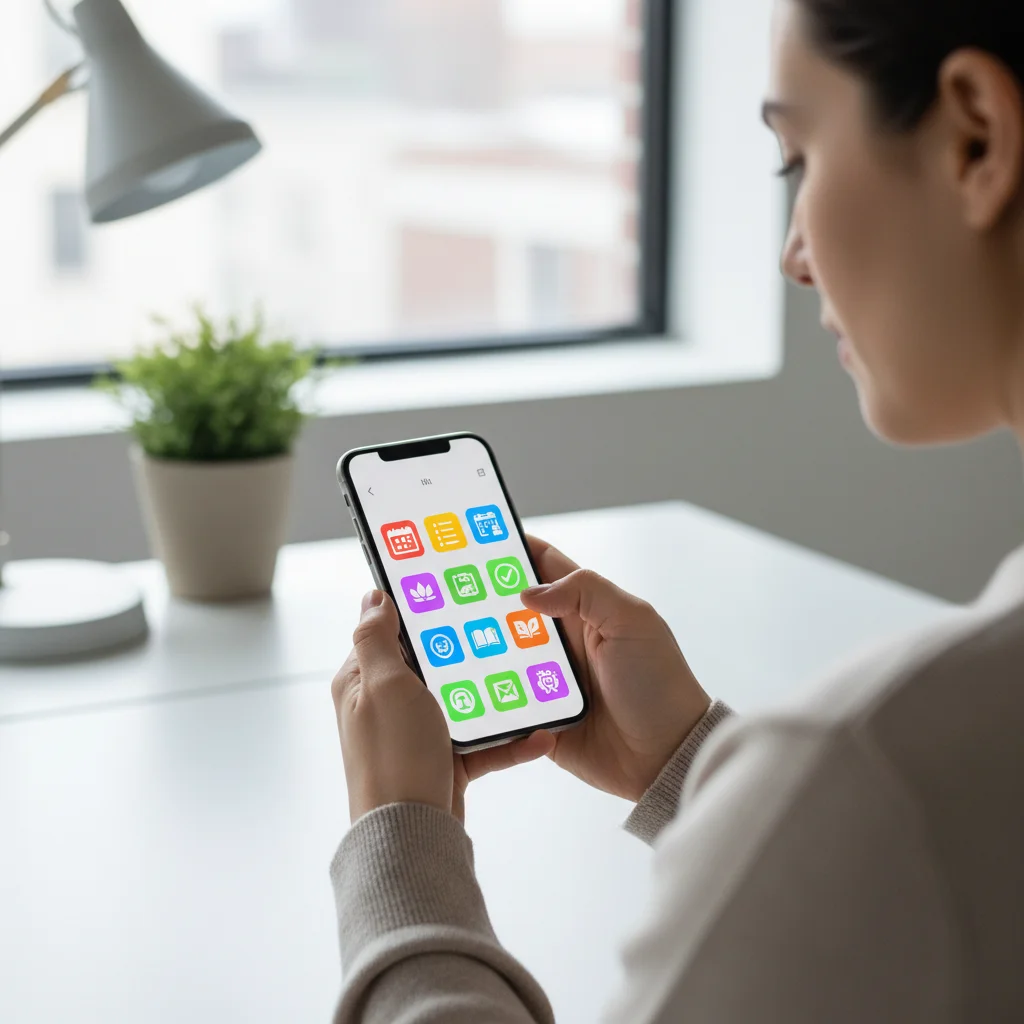
The Digital Diet: 5 Apps to Track and Improve Your Online Habits by 15% This Year
In our increasingly connected world, the lines between our physical and digital lives blur more every day. While technology offers unparalleled convenience and access to information, it also brings with it the potential for distraction, overuse, and even addiction. Have you ever found yourself scrolling mindlessly through social media, only to realize hours have passed? Or perhaps you’ve felt that nagging sense of “digital fatigue” after a long day glued to screens? You’re not alone. Many of us are grappling with the challenge of maintaining a healthy relationship with our devices, and that’s where digital habit tracking comes in.
This year, let’s commit to a “digital diet” – a conscious effort to understand, manage, and ultimately improve our online habits. Our goal? To reduce unproductive screen time and enhance our digital well-being by at least 15%. This isn’t about shunning technology entirely; it’s about using it more intentionally and effectively. The good news is, you don’t have to navigate this journey alone. A growing number of powerful apps are designed specifically to help you track your digital habits, identify patterns, and implement strategies for a more balanced online life. These tools provide the insights and nudges you need to make meaningful changes.
Why Digital Habit Tracking Matters for Your Well-being
Before diving into the “how,” let’s understand the “why.” Why is it so important to track our digital habits? The reasons are multifaceted and deeply rooted in our overall well-being:
Improved Focus and Productivity:
Constant notifications and the allure of endless content fragmentation our attention. By understanding where our time goes online, we can identify major distractions and create an environment conducive to deep work and focus. This direct approach to digital habit tracking is crucial for reclaiming productivity.
Reduced Stress and Anxiety:
Excessive screen time, especially on social media, has been linked to increased levels of stress, anxiety, and even feelings of inadequacy. Taking control of your digital consumption can significantly reduce these negative impacts.
Better Sleep Quality:
The blue light emitted from screens can disrupt our natural sleep cycles. Monitoring evening screen use and setting digital boundaries before bed can lead to more restorative sleep.
Enhanced Real-World Connections:
When we’re constantly absorbed in our devices, we miss out on genuine interactions with people around us. A healthier digital diet frees up time and mental space for more meaningful real-world relationships.
Greater Self-Awareness:
Tracking your digital habits provides an objective look at your behavior. It’s often surprising to see just how much time is spent on certain apps or websites. This self-awareness is the first step towards intentional change.
The beauty of digital habit tracking lies in its ability to transform abstract feelings of “too much screen time” into concrete data points. This data empowers you to make informed decisions and build sustainable changes. Our target of a 15% improvement in online habits isn’t just arbitrary; it’s a tangible, achievable goal that can lead to significant positive shifts in your daily life.
The Mechanics of Digital Habit Tracking: How Do These Apps Work?
At their core, digital habit tracking apps function by monitoring your device usage. While the specifics vary from app to app, the general mechanisms involve:
Screen Time Monitoring:
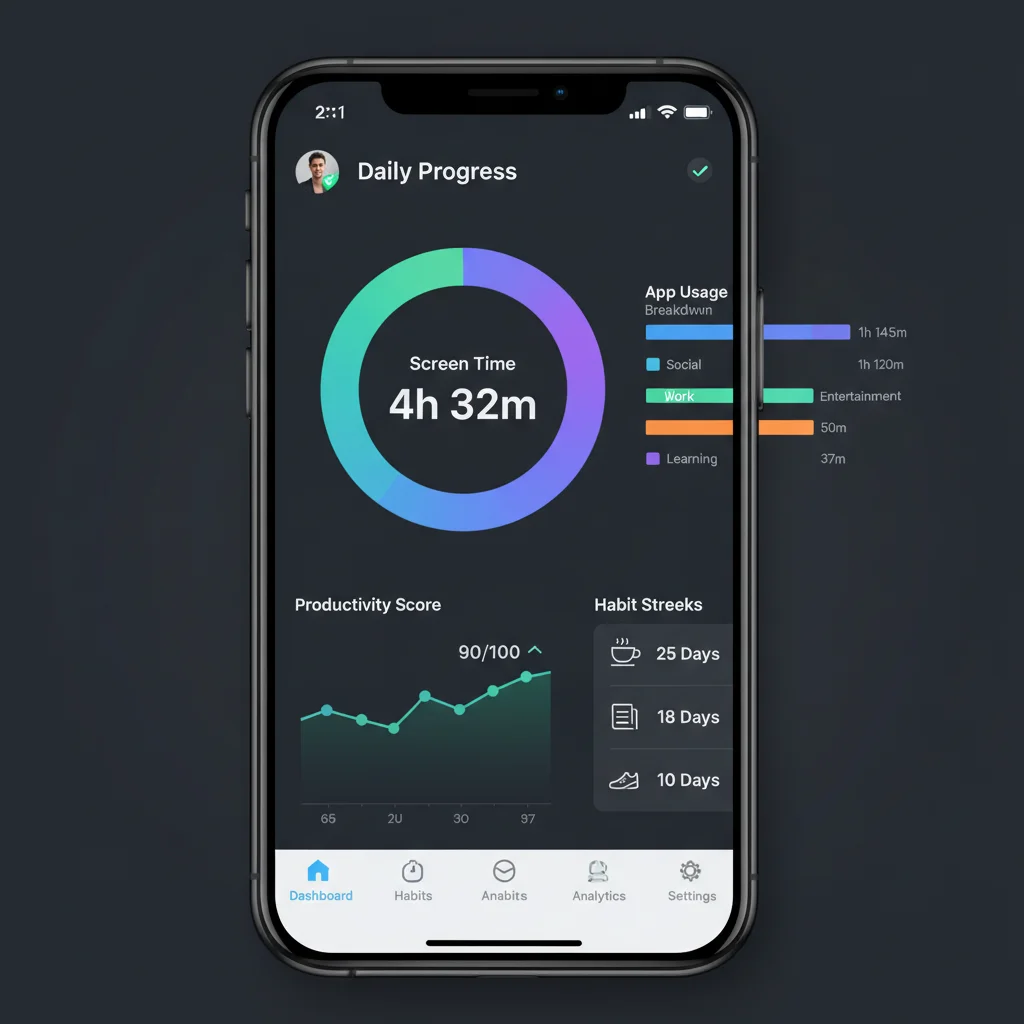
These apps accurately record how much time you spend on your smartphone, tablet, or computer. This is often broken down by daily, weekly, or monthly totals.
App Usage Breakdown:
Beyond total screen time, the apps categorize usage by individual applications. This helps you pinpoint exactly which apps are consuming most of your attention – often social media, streaming services, or games.
Website Tracking:
For computer-based apps, they can also track your website visits, revealing patterns of unproductive browsing.
Notification Management:
Some apps go a step further, tracking the number of notifications you receive and even allowing you to silence or batch them to reduce interruptions.
Goal Setting and Reminders:
Once you have a baseline, you can set daily or weekly limits for overall screen time or specific apps. The apps then provide reminders or even temporarily block access when you’re nearing or exceeding your goals.
Reporting and Insights:
The most valuable feature is often the detailed reports and insights. These can highlight peak usage times, identify “problematic” apps, and show your progress over time – essential for effective digital habit tracking.
Understanding these mechanisms helps you choose an app that aligns with your specific needs. Do you need a simple screen time tracker, or a comprehensive tool with advanced blocking features and detailed analytics? The answer will guide your selection process as we explore the best options.
Top 5 Apps to Supercharge Your Digital Diet and Track Your Online Habits
Now, let’s get to the tools that will help you achieve that 15% improvement in your digital habits. We’ve curated a list of five highly effective apps, each with its unique strengths, to help you master your digital life.
1. Forest: Stay Focused
Overview:
Forest is perhaps one of the most delightful and gamified approaches to digital habit tracking and staying focused. Instead of simply blocking apps, it turns your focus time into a virtual tree-planting exercise.
How it Helps:
When you want to focus, you plant a virtual tree. As long as you stay off your phone and within the app, your tree grows. If you leave the app or use other blacklisted apps, your tree withers and dies. This simple yet powerful mechanism uses positive reinforcement and a sense of responsibility to encourage you to stay off your phone.
Key Features:
- Gamified focus sessions.
- Partnership with a real tree-planting organization (Trees for the Future) – spending virtual coins earned in the app can lead to real trees being planted.
- Detailed statistics on your focus time.
- Whitelist feature for essential apps.
Why it’s Great for Digital Habit Tracking:
Forest is excellent for those who struggle with immediate gratification and need a tangible, positive incentive to put their phone down. It helps build a “no-phone” habit by making it a rewarding experience, directly contributing to your goal of improving digital habits.
2. Freedom
Overview:
Freedom is a robust and highly effective website and app blocker designed for serious digital detox and productivity. It’s available across multiple platforms, making it a comprehensive solution for managing your digital environment.
How it Helps:
Freedom allows you to create custom blocklists of distracting websites and apps. You can then schedule “Freedom sessions” during which these distractions are inaccessible across all your synced devices. This proactive approach prevents you from falling into old habits.
Key Features:
- Cross-device blocking (Mac, Windows, iOS, Android, Chrome).
- Customizable blocklists and scheduled sessions.
- “Locked Mode” to prevent you from ending a session prematurely.
- Session history and analytics to track your focused time.
Why it’s Great for Digital Habit Tracking:
If you need a strong hand to break deeply ingrained digital habits, Freedom is your go-to. Its ability to block distractions across all devices ensures there are no loopholes, making it incredibly effective for serious digital habit tracking and intervention.
3. StayFocusd (Chrome Extension)
Overview:
While not a mobile app, StayFocusd is an indispensable Chrome extension for anyone looking to curb unproductive web browsing. It’s a powerful tool for desktop users to maintain their digital diet.
How it Helps:
StayFocusd allows you to set daily time limits for specific websites or categories of websites. Once your allotted time for a particular site (e.g., social media or news) runs out, the extension blocks access to it for the rest of the day. It can also block entire websites or even specific subdomains.
Key Features:
- Daily time limits for websites.
- Ability to block entire sites or specific pages/subdomains.
- “Nuclear Option” for temporary, complete blocking of all defined distractions.
- “The Challenge” feature to make it harder to disable the extension.
Why it’s Great for Digital Habit Tracking:
For those whose primary digital distractions occur on their computer, StayFocusd is a simple yet highly effective solution. It provides granular control over web usage, directly supporting your goal of improving digital habit tracking and reducing time spent on time-wasting sites.
4. AppBlock – Stay Focused (Android & iOS)
Overview:
AppBlock is a versatile mobile application designed to help you temporarily block distracting applications and websites, allowing you to focus on your tasks or enjoy uninterrupted time.
How it Helps:
You can create custom profiles based on your location, Wi-Fi connection, or time of day. For example, you can set a “Work Profile” that blocks social media and games when you’re at the office, or a “Bedtime Profile” that restricts all non-essential apps in the evening. It offers a comprehensive approach to digital habit tracking and management.
Key Features:
- Block applications and websites.
- Create custom profiles with conditions (time, location, Wi-Fi).
- Track your phone usage.
- “Strict Mode” to prevent disabling the app during a block session.
- Usage statistics and history.
Why it’s Great for Digital Habit Tracking:
AppBlock’s strength lies in its contextual blocking. It understands that your digital needs change throughout the day and week, allowing you to tailor your digital diet precisely. This personalized approach makes it highly effective for sustainable improvement in your digital habit tracking.
5. Moment (iOS) / Digital Wellbeing (Android)
Overview:
These are native solutions provided by Apple (Moment, though third-party options are also popular on iOS) and Google (Digital Wellbeing on Android) that offer built-in digital habit tracking and management features directly within your phone’s operating system.
How it Helps:
They provide detailed reports on your screen time, app usage, and how often you pick up your phone. You can set app limits, schedule “Downtime” (iOS) or “Focus Mode” (Android) to restrict access to certain apps, and even turn your screen grayscale to make it less appealing.
Key Features (combined):
- Comprehensive screen time reports.
- App timers/limits.
- Scheduled “Downtime” or “Focus Mode.”
- Wind Down mode (Android) / Screen Time & App Limits (iOS).
- Notification management.
Why it’s Great for Digital Habit Tracking:
These built-in features are fantastic because they require no additional downloads and are deeply integrated into your device. They offer a great starting point for anyone looking to understand and manage their digital habits without needing a third-party solution. They provide a foundational level of digital habit tracking that can be enhanced with other apps if needed.
Beyond the Apps: Strategies for Sustainable Digital Habits
While these apps are powerful allies in your digital diet journey, they are merely tools. The real change comes from combining their insights with conscious strategies and a commitment to self-discipline. Here are some additional tips to help you achieve and sustain that 15% improvement in your digital habit tracking:
1. Define Your “Why”:
Before you start tracking, clarify why you want to change your digital habits. Is it for better sleep, increased productivity, more real-world connections, or reduced anxiety? A clear “why” will fuel your motivation.
2. Start Small and Be Patient:
Don’t try to cut out all your digital distractions overnight. Start with small, achievable goals, like reducing social media by 20 minutes a day, and gradually increase your targets. Building new habits takes time and consistency.
3. Create “No-Phone” Zones and Times:
Designate specific areas (e.g., bedroom, dining table) and times (e.g., first hour after waking, last hour before bed) as completely phone-free. This creates clear boundaries and helps you disconnect.
4. Turn Off Non-Essential Notifications:
Most apps don’t need to notify you constantly. Go into your phone settings and disable notifications for any app that isn’t critical for your work or personal safety. This significantly reduces interruptions and strengthens your digital habit tracking efforts.
5. Replace Bad Habits with Good Ones:
Instead of just removing a digital habit, replace it with a positive analog one. If you usually scroll social media before bed, try reading a book, meditating, or listening to calming music instead. This “habit stacking” is a powerful technique for change.
6. Schedule “Digital Detox” Periods:
Whether it’s an hour, an afternoon, or a whole weekend, intentionally schedule periods where you completely disconnect from all devices. Use this time to engage in hobbies, spend time with loved ones, or simply enjoy solitude.
7. Make Your Phone Less Appealing:
Turn your phone’s screen to grayscale (as offered by Digital Wellbeing/Screen Time), remove distracting app icons from your home screen, and keep your phone out of sight when not in active use. The less visually stimulating your device, the less likely you are to pick it up mindlessly.
8. Practice Mindful Consumption:
When you do use your devices, be intentional about it. Ask yourself: “Why am I picking up my phone right now? What do I intend to do?” This simple practice can reveal many unconscious digital habits.
9. Leverage “Do Not Disturb” or “Focus Modes”:
Utilize your phone’s built-in features to silence notifications and filter calls during work, study, or family time. This creates pockets of uninterrupted focus that are vital for productivity and mental peace. These modes are integral for effective digital habit tracking and management.

10. Review Your Progress Regularly:
Use the data from your digital habit tracking apps to review your progress weekly. Celebrate your successes, identify areas where you struggled, and adjust your strategies accordingly. This iterative process is key to long-term success.
The Path to a Healthier Digital Life
Embarking on a digital diet and committing to improved digital habit tracking is a journey, not a destination. It requires patience, persistence, and a willingness to experiment with different strategies. The goal isn’t to demonize technology, but to harness its power while minimizing its potential downsides. By leveraging the insights provided by these fantastic apps and integrating mindful practices into your daily routine, you can take significant steps towards a more balanced, focused, and fulfilling digital life.
Imagine the extra hours you’ll gain, the reduced stress you’ll feel, and the enhanced connections you’ll forge in the real world. By aiming for that 15% improvement this year, you’re not just cutting down screen time; you’re investing in your mental health, productivity, and overall well-being. So, pick an app, set your goals, and start planting those digital trees – or blocking those distracting websites. Your healthier, happier digital self awaits!
Remember, consistency is key. Even small, incremental changes in your digital habits, supported by effective digital habit tracking, can lead to profound long-term benefits. Take control of your tech, rather than letting your tech control you. Let this be the year you truly master your digital domain.